Checkers
Checkers (also known as Draughts) is a free online board game where you play against the computer. Move your pieces diagonally, jump over the opponent's pieces to capture them, and become a King.
About this tool
Checkers (also known as Draughts) is a free online board game where you play against the computer. Move your pieces diagonally, jump over the opponent's pieces to capture them, and become a King.
How to use Checkers
- Move diagonally — Click a piece, then click an empty diagonal square.
- Capture pieces — Jump over an opponent's piece to the empty square behind it.
- Become a King — Reach the opposite end of the board to get Kinged (move backwards).
- Win the game — Capture all enemy pieces or block them from moving.
Key features
- Classic 8x8 checkers board
- Play against a smart AI
- Mandatory captures
- King me mechanics
- Mobile-friendly touch controls
The History of Checkers
Checkers is one of the oldest known board games. A form of the game was played in ancient Mesopotamia around 3000 BCE. The modern version we play today originated in France in the 12th century. It is known as Draughts in the UK and many other parts of the world.
How to Play
The game is played on an 8x8 grid. You play as Red and move first. Pieces can only move diagonally forward. To capture an enemy piece, you must jump over it into an empty square. Multiple jumps are possible in a single turn if the opportunity arises.
The Power of Kings
If you manage to get a piece all the way to the other side of the board, it becomes a King. Kings are incredibly powerful because they can move both forward and backward. Getting a King early in the game usually gives you a massive advantage.
Strategy and Tips
Keep your back row intact for as long as possible to prevent the AI from getting Kings. Trade pieces when you are ahead, and avoid putting your pieces on the edges where they can be easily trapped. Always look for double-jumps.
Why Play Against the Computer?
Playing online against an AI is a great way to practice. The AI never gets tired and will punish your mistakes, making it the perfect sparring partner to improve your game.
Digital vs Physical
Playing online means you never lose pieces. The game automatically enforces the rules (like mandatory captures), so you can focus entirely on strategy.
Pro tips
- Keep your back two rows heavily defended
- Look for double jumps to gain a massive advantage
- Force the AI into corners where they have no moves
Common use cases
- Strategy practice
- Casual gaming
- Brain training
- Playing against the computer
Frequently asked questions
How do you play Checkers?+
You and the AI take turns moving pieces diagonally forward. If an opponent's piece is adjacent and the square behind it is empty, you can jump over it to capture it.
Do I have to jump if I can?+
In standard checkers rules, if a capture is available, you must take it. Our game enforces this.
How do I become a King?+
If one of your pieces reaches the furthest row on the opponent's side, it becomes a King. Kings can move and capture both forward and backward.
What color do I play?+
You play as Red (usually at the bottom of the board) and you always move first.
Can I play on mobile?+
Yes, simply tap a piece and then tap the square you want to move to.
Is there a time limit?+
No, you can take as much time as you need to plan your moves.
What if I can't move?+
If you have no valid moves, the game is over and the other player wins.
Is it free?+
Yes, 100% free.
Need invoicing, billing & inventory?
Try ShopBill Pro — the full business software. Free plan available.
Related tools
📚 Read more about Checkers
Guides and articles related to this tool.

How a Student (or Anyone) Can Use AI to Earn Money in 2026
Practical guide with real examples — how a student in India can use AI to build skills, start a side hustle, and earn money. No hype, just steps.

How to Check Home Loan Eligibility with a Co-Applicant (2026)
Adding a co-applicant can increase your home loan eligibility by 50% to 100%. Here is the exact FOIR math, who qualifies, and the tax traps to avoid.
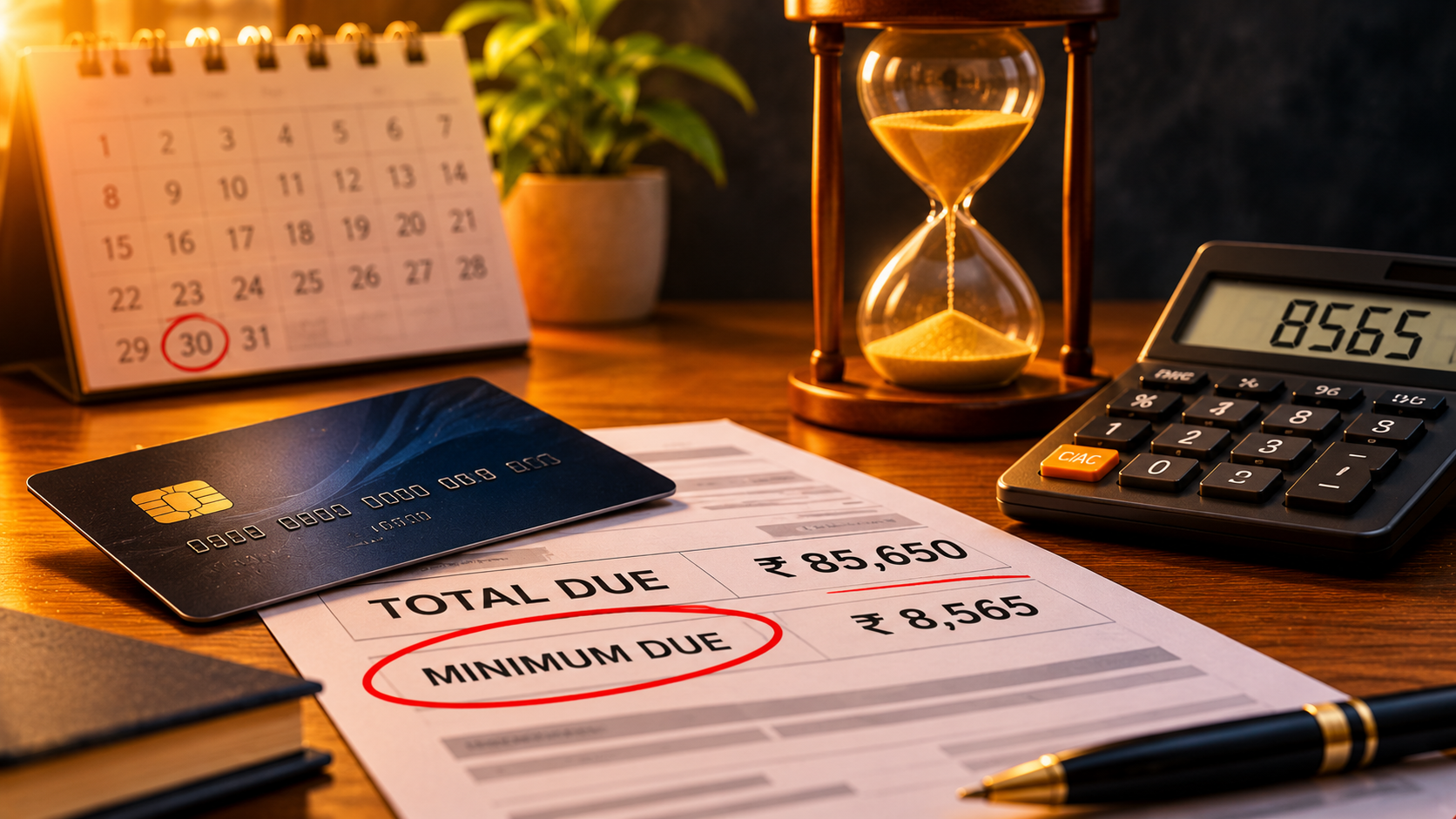
Why Paying the "Minimum Due" on Your Credit Card is a Trap (2026)
If you have a ₹1 Lakh credit card bill at 36% interest, paying only the minimum due will take you over 10 years to clear it. Here is the exact math and how to escape.