How to Merge PDF Files Free (2026 Guide)
The ShopBill Pro Tools team builds free browser-based tools for Indian businesses, freelancers, and students. We write about finance, e-commerce, AI, and productivity — with practical, India-specific advice.
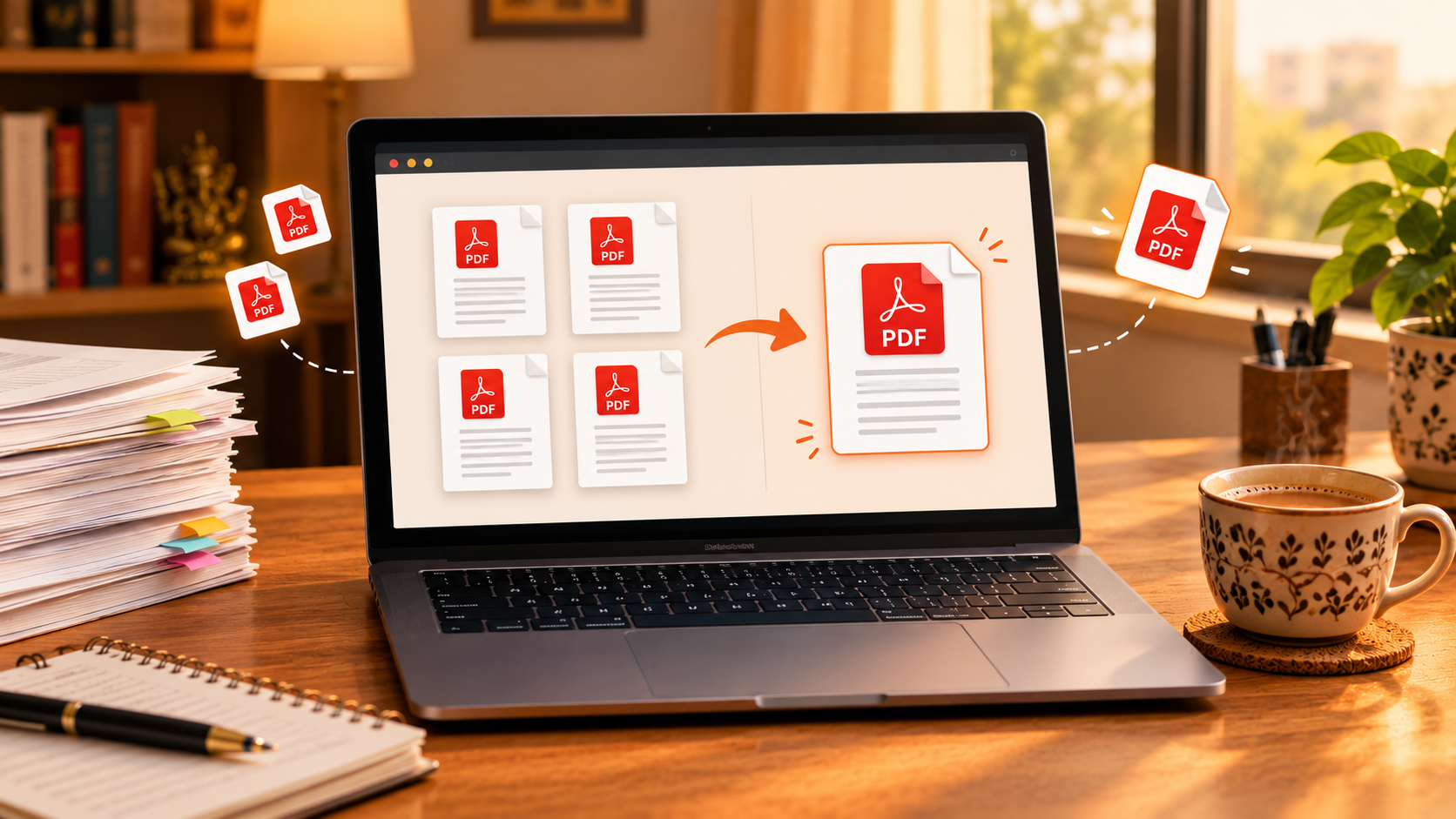
How to Merge PDF Files Free (2026 Guide)
I'm a hotelier. Every month, I have to send a single PDF containing guest invoices, vendor bills, and staff salary slips to my accountant. Individually, that's 15-20 files. As one PDF, it's a single email attachment.
Merging PDFs saves time, reduces errors, and makes everything look professional. But most free tools either upload your files to a server, add watermarks, or limit you to 2-3 files before asking for payment.
This guide covers 5 free ways to merge PDFs — including the one I use daily that never uploads your file anywhere.
Why Merge PDF Files?
Merging PDFs means combining multiple PDF documents into one file. Here's when it helps:
| Situation | Why Merging Helps |
|---|---|
| Sending invoices to accountant | One attachment instead of 20 |
| Submitting loan applications | Banks require single PDF |
| Sharing reports with clients | Looks professional, harder to lose pages |
| Combining scanned documents | One file for records |
| Government form submissions | Most portals accept only one PDF |
| Archiving monthly records | Easier to store and search |
If you're sending more than two PDFs in one email, merging them is usually the right move.
Method 1: Use a Free Browser-Based Merger (No Upload)
The fastest and safest method. No software. No signup. No file upload.
Most free PDF mergers upload your files to their server. That's a privacy risk if you're combining invoices, contracts, or client data.
Our tool works differently: it runs entirely in your browser. Your files never leave your device. Use the PDF Merger and check for yourself — no progress bar, no waiting for a server.
Steps:
- Open the PDF Merger
- Drop your PDF files or select them from your device
- Drag to reorder pages if needed
- Click Merge
- Download your combined PDF
Total time: under 30 seconds for 10+ files.
Best for: Anyone who values privacy and speed. Especially good for business documents.
Method 2: Merge PDFs in Adobe Acrobat (Paid, But Standard)
Adobe Acrobat is the industry standard for PDF editing — but it's paid.
- Open Adobe Acrobat Pro
- Click Tools → Combine Files
- Add your PDF files
- Drag to reorder
- Click Combine
- Save your merged PDF
Pros: Industry standard. Handles complex PDFs well. Advanced options.
Cons: Paid subscription (₹1,500+/month). Overkill for simple merging.
Best for: Businesses already using Adobe Acrobat for other PDF work.
Method 3: Merge PDFs in Google Drive (Free, Limited)
Google Drive doesn't have a native PDF merger, but you can use a workaround.
- Upload all your PDFs to Google Drive
- Open each one in Google Docs (right-click → Open with → Google Docs)
- Copy content from each into a single Google Doc
- Export as PDF (File → Download → PDF)
Pros: Free. Works on any device. No third-party tool.
Cons: Only works for text-based PDFs. Formatting may shift. Images and complex layouts may break. Slow for many files.
Best for: Simple text-based PDFs where formatting doesn't matter much.
Method 4: Merge PDFs on Mac (Built-In)
Mac has a built-in PDF merger in Preview.
- Open the first PDF in Preview
- Show the sidebar (View → Thumbnails)
- Drag additional PDFs into the sidebar
- They merge into the current document
- Save as a new PDF
Pros: Built-in. Free. Offline. No upload.
Cons: Mac only. Sidebar method can be finicky with many files.
Best for: Mac users with a few PDFs to merge.
Method 5: Merge PDFs on Windows (Built-In)
Windows doesn't have a built-in PDF merger, but you can use Microsoft Print to PDF as a workaround.
- Open all PDFs you want to merge
- Open a new document in Word or Google Docs
- For each PDF, use Print → Microsoft Print to PDF → save as a temporary file
- Combine the temporary files using the Print to PDF method again
Honestly: This method is slow and error-prone. If you're on Windows, use our PDF Merger instead. It's faster and your files stay on your device.
Best for: Only if you have no other option.
Method 6 (Bonus): Merge PDFs on Mobile (Android + iPhone)
You can merge PDFs on your phone too.
Android:
- Open our PDF Merger in Chrome
- Select your PDF files from Files or Downloads
- Drag to reorder
- Tap Merge
- Download your combined PDF
iPhone:
- Open our PDF Merger in Safari
- Select your PDF files from Files app
- Drag to reorder
- Tap Merge
- Save to Files
Best for: Quick merges when you're away from your computer.
Which Method Should You Use?
Here's my honest recommendation:
| Situation | Best Method |
|---|---|
| Quick merge, privacy matters | Our PDF Merger |
| You have Adobe Acrobat | Acrobat Combine Files |
| Simple text PDFs, no formatting | Google Docs workaround |
| You're on Mac, few files | Preview sidebar method |
| You're on Windows | Our browser-based tool |
| You're on your phone | Mobile browser tool |
Common Mistakes to Avoid
1. Using a tool that uploads your files to a server
If the tool shows a progress bar or asks you to wait, your files left your device. For invoices, contracts, and anything with client data, use a browser-based tool that never uploads.
2. Not checking the output
Always open your merged PDF once before sending it. Check page count, order, and that no pages are missing.
3. Using a tool that limits free merges
Many "free" PDF mergers limit you to 2-3 files or add a watermark. Check the output before you send it anywhere.
4. Not compressing after merging
Merged PDFs can be large. If the combined file is over 10MB, use a PDF Compressor before emailing.
5. Forgetting to save as a new file
Always save your merged PDF as a new file. Don't overwrite the original — you may need it later.
Tools That Work Well With PDF Merger
Once your PDFs are merged, these tools help:
- PDF Splitter — Extract specific pages from a large PDF
- PDF Compressor — Reduce file size for email
- PDF to Word — Edit merged PDF content
- Word to PDF — Convert edited docs back to PDF
- Invoice Generator — Create PDFs directly
All tools work in your browser — no signup, no upload.
Frequently Asked Questions
Is PDF merging free?
Yes. Our PDF Merger is completely free. No signup, no limits, no watermarks.
Do the files upload to a server?
No. Our tool runs entirely in your browser. Your files never leave your device.
Can I merge PDFs on my phone?
Yes. Open our tool in your mobile browser and it works the same way.
Is there a file size limit?
No. Our tool handles large files without issues because processing happens locally.
Can I merge scanned PDFs?
Yes. Scanned PDFs merge the same way as text-based PDFs. The content is what matters, not the format.
Can I reorder pages before merging?
Yes. Drag and drop to reorder before clicking Merge.
Can I merge password-protected PDFs?
You need to unlock the PDFs first. Remove passwords, then merge.
Does it work offline?
Once the page is loaded, our tool works offline because processing happens in your browser.
The Bottom Line
Merging PDFs is one of those small tasks that saves a lot of friction. Instead of sending 20 attachments, you send one. Instead of losing pages, you have everything in order.
Use the free tool, check the output, and send something that looks professional.
Try Our Free Tools
Everything you need to work with PDFs — free, no signup:
- PDF Merger — Combine PDFs instantly, no upload
- PDF Splitter — Extract pages
- PDF Compressor — Reduce file size
- PDF to Word — Edit PDFs
- Word to PDF — Convert back to PDF
All tools work in your browser — no signup, no upload.
Written by Vinay. I run a hotel, build tools in my spare time, and learn something new every day. This article is based on my real experience — not theory.
Need free tools while you read?
120+ free tools for Indian businesses - no signup required.
Related articles
ChatGPT Wallet: How AI Agents Spending Money Will Change Small Business
OpenAI just gave AI agents the ability to make purchases. Here is how the new ChatGPT Wallet works, the security risks, and what it means for your business billing.

Home Loan Amortization Schedule Explained (With Example)
A home loan amortization schedule shows exactly how much of your EMI goes to interest vs principal. In the early years, 80% of your EMI is just interest. Here is how to read it.

Flat vs Reducing Interest Rate: Why Car Dealers Trick You (2026)
A 10% flat interest rate is actually an 17.3% reducing rate. Learn how car dealers use the flat rate trick to hide the true cost of your loan and how to calculate it.