Word Search
Word Search is a free online puzzle game. Find the hidden words in a grid of letters. Words can be placed horizontally, vertically, or diagonally, forwards or backwards.
About this tool
Word Search is a free online puzzle game. Find the hidden words in a grid of letters. Words can be placed horizontally, vertically, or diagonally, forwards or backwards.
Find Words
How to use Word Search
- Read the words — Look at the list of words to find.
- Scan the grid — Find the words horizontally, vertically, or diagonally.
- Click and drag — Click the first letter, then the last letter to highlight the word.
- Win — Find all the words to complete the puzzle.
Key features
- Randomized word grids
- Click-to-select controls
- Multiple word categories
- Highlights found words
- Mobile-friendly interface
What is Word Search?
Word search (also known as word find, word seek, or mystery word) is a word game that consists of the letters of words placed in a grid. The objective is to find and mark all the words hidden inside the box.
The History
The first word search puzzle was created by Norman E. Gibat in 1968. It was published in a local newspaper in Norman, Oklahoma. It quickly became popular because it was easy to create and fun to solve.
Why It's Good for Your Brain
Word search puzzles are excellent for improving pattern recognition and visual scanning. For children, they help with spelling and vocabulary. For older adults, they are often used as a relaxing mental workout.
Strategy and Tips
Don't just look randomly. Scan the grid systematically—look for the first letter of a word, then check the surrounding letters in all 8 directions. Look for rare letters (like Z, Q, X) first, as they stand out.
Digital vs Paper
Digital word searches are great because you don't need a pen or paper. If you make a mistake, you can just click again. It's also much easier to see the words highlight when you find them.
Variations
There are many variations, including puzzles where the leftover letters spell out a secret message, or puzzles that use numbers or symbols instead of letters. Our game uses the classic format.
Pro tips
- Look for unusual letters first (like Z, Q, X)
- Scan backwards if you're stuck
- Look for the first and last letters of a word
Common use cases
- Relaxation
- Brain training
- Educational fun
- Killing time
Frequently asked questions
How do you play Word Search?+
Find all the words listed on the side of the puzzle. Words can be hidden forwards, backwards, horizontally, vertically, or diagonally.
How do I select a word?+
Click or tap the first letter of the word, then click the last letter. If you found the correct word, it will highlight in green.
Are there hints?+
There are no hints, but the words are usually straightforward. If you get stuck, try looking backwards.
Can I play on mobile?+
Yes, the grid and touch controls are designed for mobile screens.
How many words are there?+
Each puzzle contains 6 to 8 words depending on the difficulty.
Does it save my progress?+
No, a new puzzle generates every time you load the page.
Is it educational?+
Yes, it's great for improving vocabulary and visual scanning.
Is it free?+
Yes, 100% free.
Need invoicing, billing & inventory?
Try ShopBill Pro — the full business software. Free plan available.
Related tools
📚 Read more about Word Search
Guides and articles related to this tool.

FD vs RD in India: Which Is Better for Your Savings in 2026?
Have a lump sum to invest or want to save a fixed amount every month? Understand FD vs RD, interest calculations, taxation, premature withdrawal and how to choose the right deposit for your financial goals.

Loan Prepayment in India: Reduce EMI or Tenure? (2026 Guide)
A part-payment can cut years from a loan, but the result depends on whether you reduce the EMI or the tenure. Learn the calculation, compare both options with a worked example, and understand RBI's 2026 prepayment-charge rules.
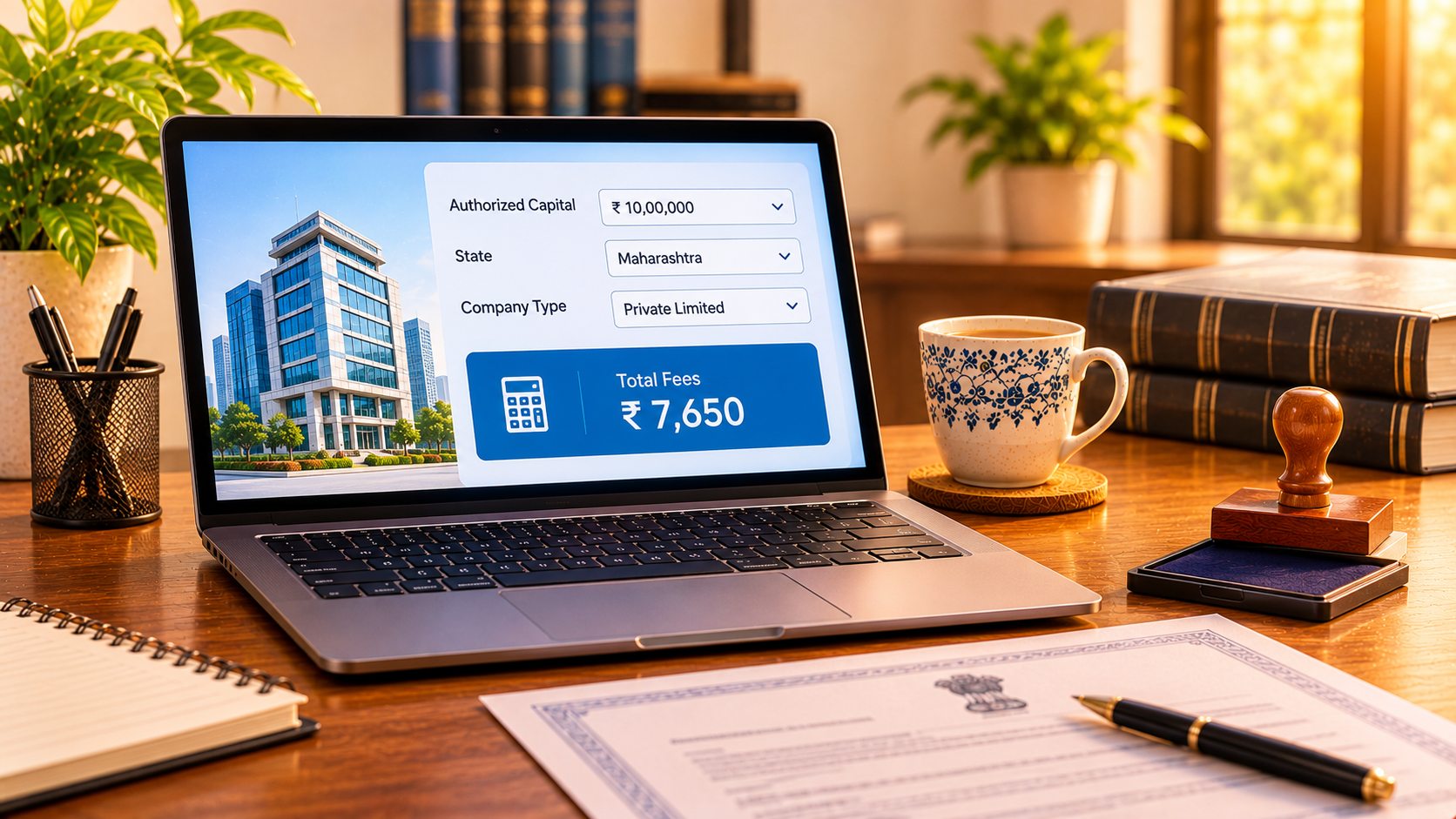
MCA Fee Calculator: The True Cost of Registering a Company in India
Registering a company in India costs ₹0 in MCA fees if your capital is under ₹15 Lakh. Here is the exact SPICe+ fee structure, state stamp duty differences, and true costs.